Publishing a book through Amazon KDP can feel like a collection of disconnected tasks.
You research a topic, choose a title, outline the book, generate or write the content, format the interior, design the cover and upload the finished files. When these decisions are made in the wrong order, however, publishers often waste time rebuilding work they thought was finished.
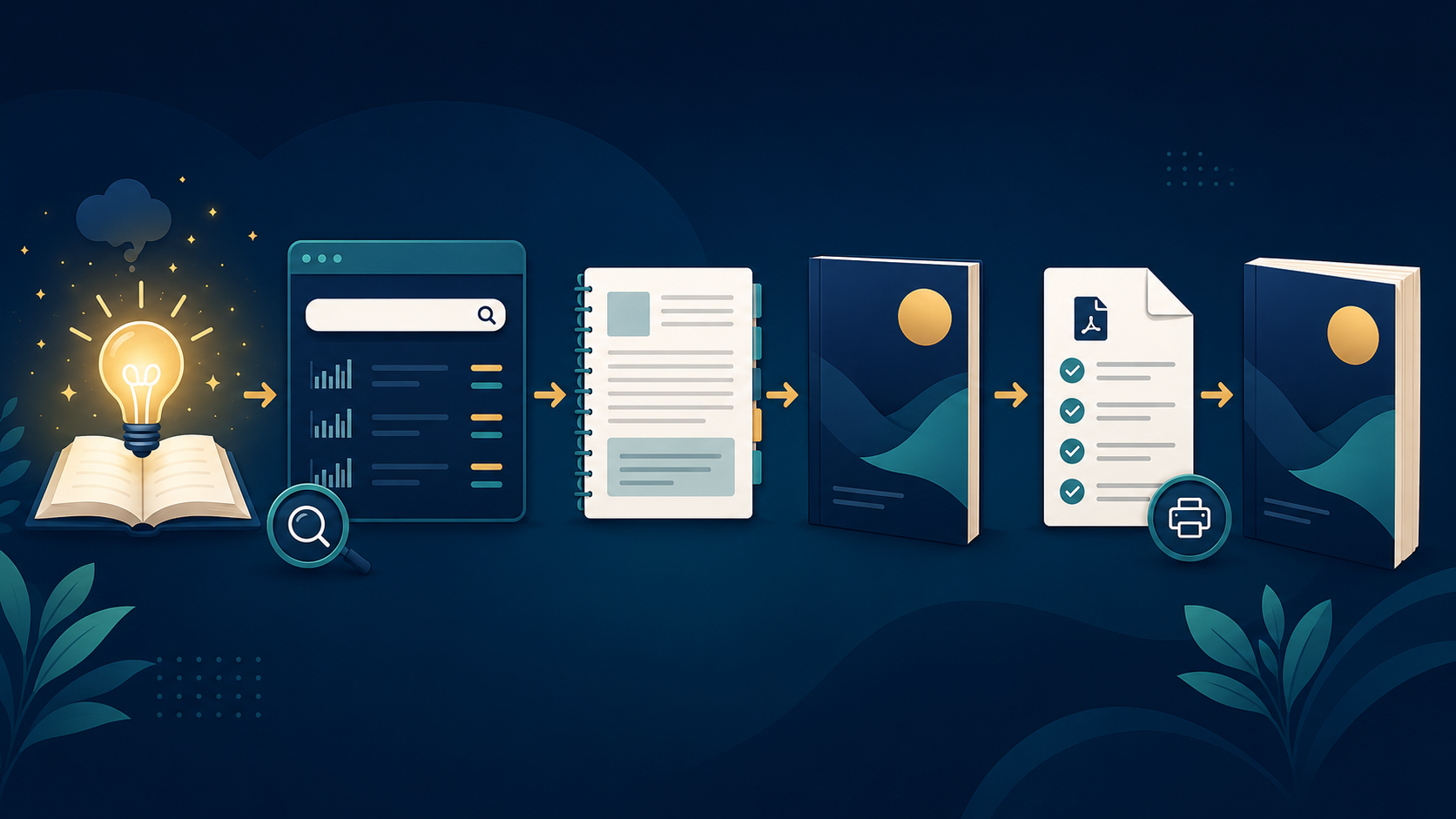
A better approach is to treat book creation as one connected workflow.
In this guide, you will learn seven practical steps for moving from an initial book idea to an upload-ready file. The process works for nonfiction books, children’s books, activity books, puzzle books, journals and many other KDP projects.
1. Define the Reader and the Book’s Promise
Before researching keywords or designing a cover, decide exactly who the book is for.
A book aimed at complete beginners should not have the same structure, vocabulary or visual style as a book created for experienced readers. A children’s activity book for ages four to six will also require a very different approach from one intended for children ages eight to twelve.
Write down three things:
- Who is the intended reader?
- What problem, curiosity or desire brings that reader to the book?
- What should the reader understand, complete or experience after using it?
These answers form the book’s central promise.
For example, “an air-fryer cookbook” is only a subject. A clearer concept might be:
A beginner-friendly cookbook that helps busy families prepare simple air-fryer meals with commonly available ingredients.
The second version identifies the reader, the practical outcome and the angle of the book.
A strong promise keeps your title, table of contents, chapters, cover and marketing copy focused on the same reader.
2. Research the Market Before Building the Book
Once the reader and promise are clear, investigate how people currently search for and buy books within that subject.
Research should help you answer questions such as:
- What phrases do readers use when searching?
- Which book formats appear frequently?
- Which audience groups are already being served?
- What important needs are competitors overlooking?
- Is the topic broad enough to attract interest but focused enough to communicate a clear benefit?
Do not use research merely to copy a successful book. Use it to understand reader expectations and identify a more useful angle.
Study competing books carefully. Look at their titles, subtitles, covers, descriptions, page counts, reviews and tables of contents when samples are available. Positive reviews reveal what readers value. Critical reviews often reveal opportunities for improvement.
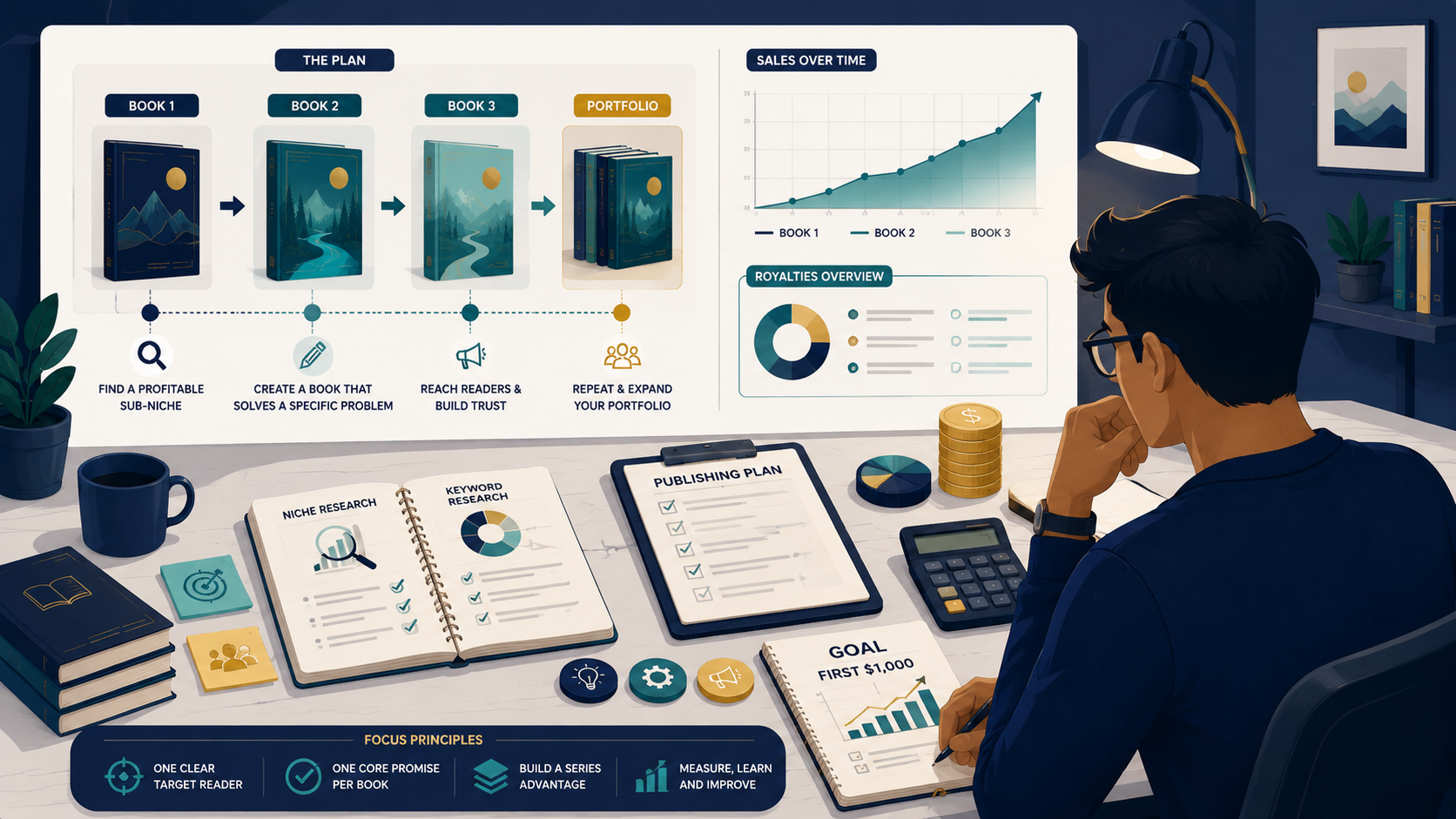
KCanvas provides niche-hunting, keyword-research and Amazon suggestion-expansion tools designed to help publishers explore book ideas and search language before committing to production.
“Good publishing decisions are easier to make before the manuscript has been written.”
3. Develop the Title, Subtitle and Positioning
Your title and subtitle should quickly explain what the book is and why the intended reader should care.
The title normally carries the main idea or memorable hook. The subtitle can provide additional clarity by identifying the audience, subject, method or promised result.
A useful title-development process is:
- Write the primary subject of the book.
- List the strongest reader benefits.
- Identify important phrases discovered during research.
- Create several title and subtitle combinations.
- Remove combinations that sound unnatural, repetitive or misleading.
- Check that the final wording agrees with the actual book content.
Avoid forcing every possible keyword into the title. A title still has to be readable and credible.
Amazon instructs publishers to enter a title that matches the wording shown on the cover and prohibits misleading additions such as sales-rank claims or unauthorized references to other books and authors.
The KCanvas Book Title Optimizer can help organize a book concept, improve its positioning and develop title, subtitle and metadata ideas.
4. Build the Table of Contents Before Writing
A table of contents is more than a list of chapter names. It is the architecture of the reader’s experience.
Start by dividing the promised transformation into logical stages. Each chapter should move the reader closer to the result described by the book.
A practical nonfiction structure might include:
- understanding the subject;
- gathering the required tools or information;
- following the core process;
- solving common problems;
- applying more advanced techniques;
- using checklists, resources or next steps.
For a children’s question-and-answer book, the structure might instead use themed sections such as space, animals, science, the human body and everyday mysteries.
For a puzzle or activity book, the table of contents may be simpler, but you should still plan difficulty progression, repeated page types, instructions and solutions before generating hundreds of pages.
Check for gaps, repeated subjects and chapters that do not support the book’s promise. Rearranging an outline takes minutes. Rearranging a finished manuscript can take days.
KCanvas includes a TOC Generator for developing chapter architecture, section flow and book structure before drafting begins.
5. Write, Review and Strengthen the Content
With the structure approved, create the manuscript one section at a time.
Every chapter should have a defined purpose. Before writing it, state what the reader should learn or accomplish by the end. This prevents the chapter from becoming a collection of loosely related information.
When using AI-assisted writing, treat generated material as a starting point rather than an unquestioned final manuscript. Review it for:
- factual accuracy;
- repetition;
- vague explanations;
- inconsistent terminology;
- unsupported claims;
- missing examples;
- unsuitable language for the intended age or experience level;
- content that does not match the title’s promise.
Add your own organization, examples, explanations and editorial judgment. A useful book should feel deliberately constructed rather than assembled from disconnected outputs.
After the developmental review, perform a separate language edit. Check grammar, spelling, readability, heading consistency, lists, captions and repeated phrases.
The KCanvas book-building workflow includes prompt, table-of-contents, chapter and visual-prompt tools intended to keep these stages connected instead of treating each output as an isolated task.
6. Format the Interior and Prepare the Cover
Choose the book’s trim size before building the final interior. The trim size is the finished physical size of the printed book.
Your design decisions should reflect the type of book:
- nonfiction books need readable typography and a clear heading hierarchy;
- cookbooks need consistent recipe structures and usable ingredient lists;
- children’s books need age-appropriate type sizes and visual pacing;
- puzzle books need clear instructions, consistent grids and matching solutions;
- journals and workbooks need enough writing space for practical use.
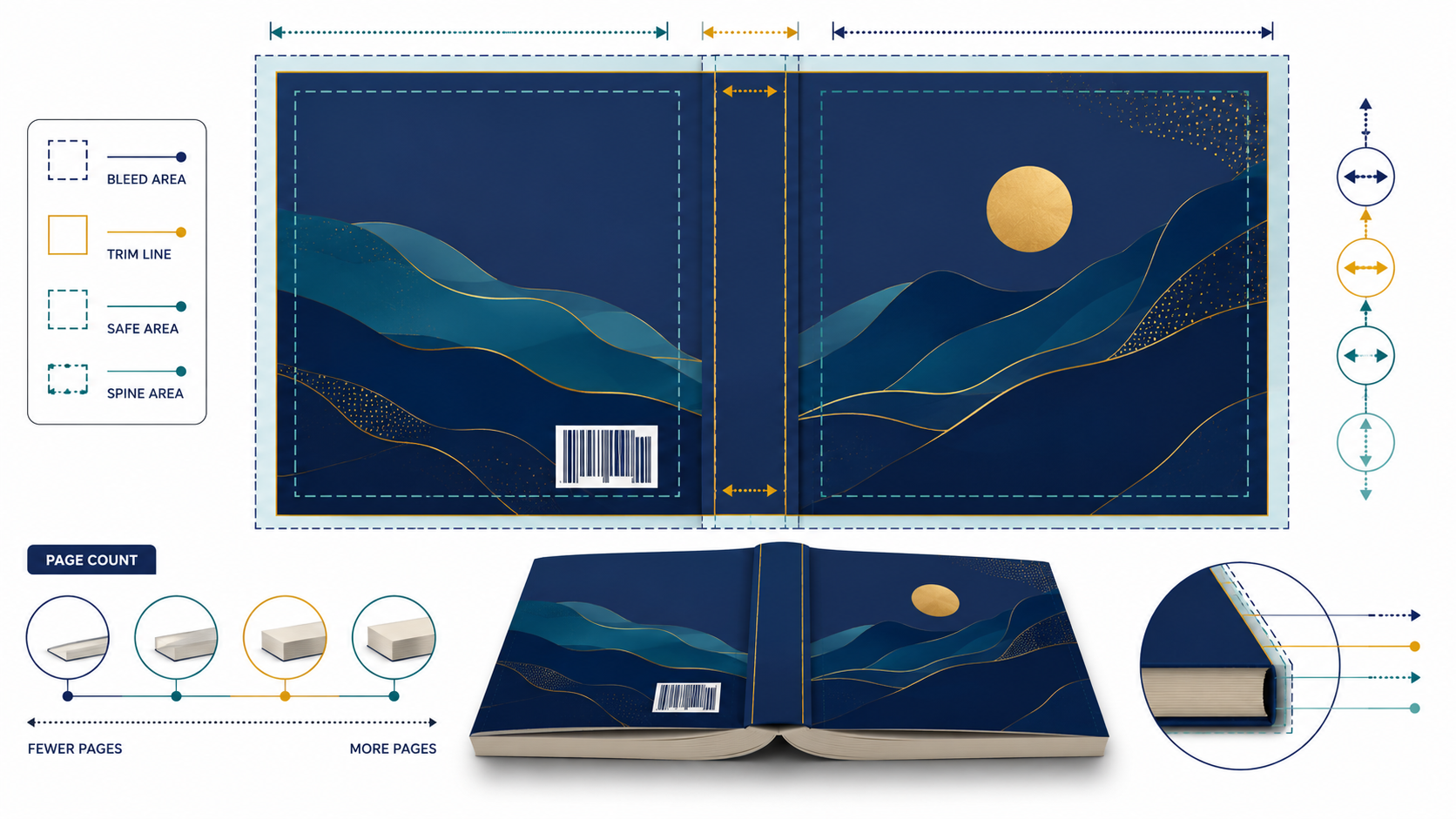
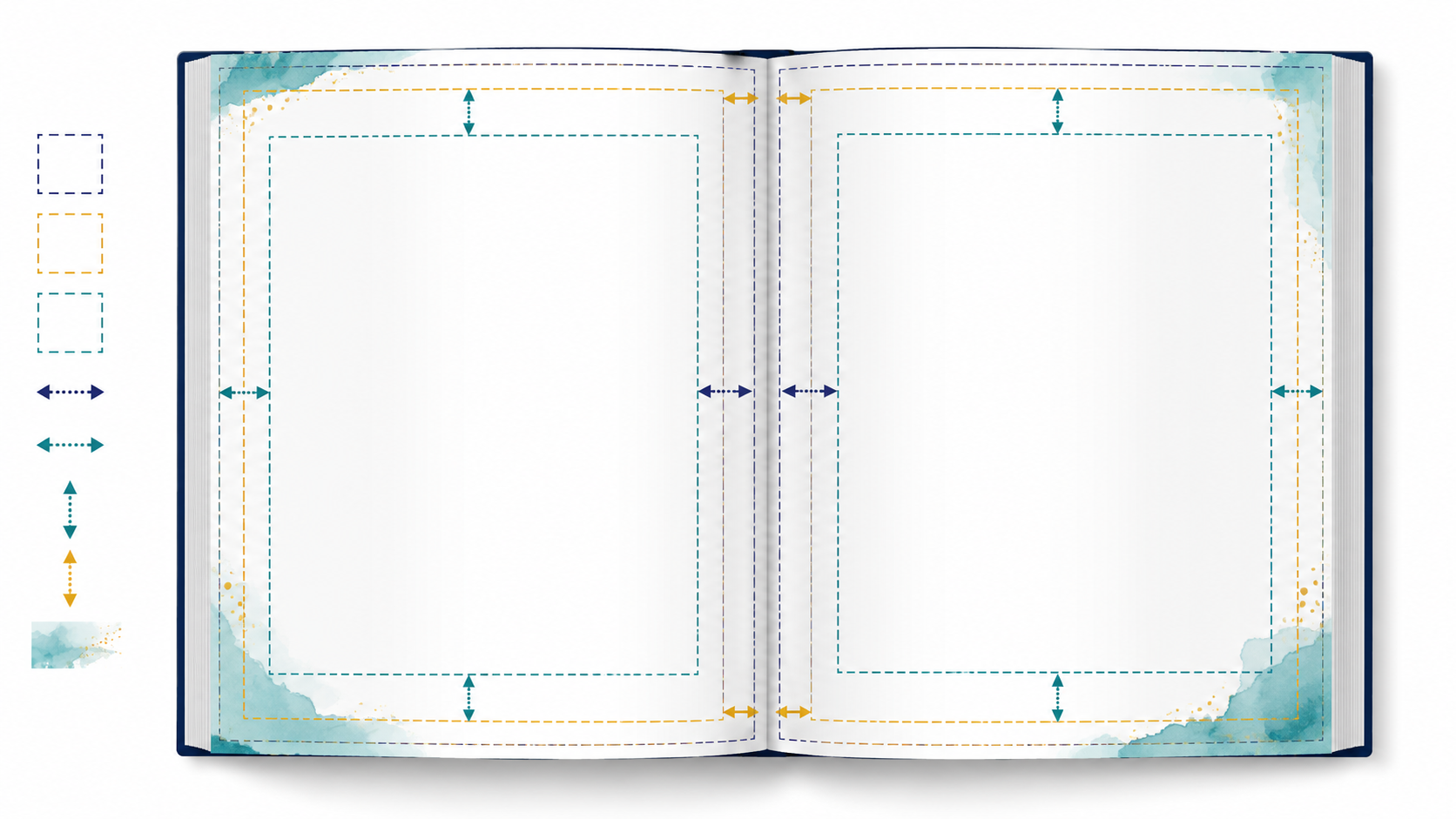
Set up margins, gutters and bleed correctly from the beginning. Amazon explains that the required inside margin changes according to page count, while pages containing artwork that reaches the edge must be prepared with bleed.
Use paragraph and character styles rather than manually formatting every heading. Styles make global corrections much easier and help keep the book visually consistent.
Finalize the interior before calculating the complete print-cover dimensions. The cover width depends partly on the final page count because the page count affects the spine. Amazon similarly recommends finishing the interior before preparing the final cover size.
Inspect the cover at thumbnail size as well as full size. Readers should still be able to recognize the primary subject and read the main title when the cover is displayed as a small search result.
7. Audit the Files Before Uploading
A PDF that looks correct on your computer may still contain technical problems.
Before uploading, inspect the entire interior for:
- incorrect page dimensions;
- insufficient margins or gutter space;
- missing bleed;
- low-resolution images;
- unembedded or substituted fonts;
- blank pages in the wrong locations;
- cropped text or illustrations;
- inconsistent page numbers;
- unintended template elements;
- incorrect cover dimensions.
KDP’s Print Previewer scans uploaded print files for issues involving elements such as margins, fonts and cover size. Problems that require correction must generally be fixed in the original design file before a revised PDF is uploaded.
Do not rely on the upload preview as your only quality-control step. Audit the PDF before it reaches KDP, correct the source document and export a clean final version.
KCanvas includes a KDP PDF Auditor that checks page size, bleed setup, margins, unsafe zones and other print-readiness issues before upload.
After uploading, review every page in the appropriate KDP previewer. When possible, order a physical proof before approving the book for sale, particularly when colour, image placement, writing areas or intricate puzzle layouts are important.
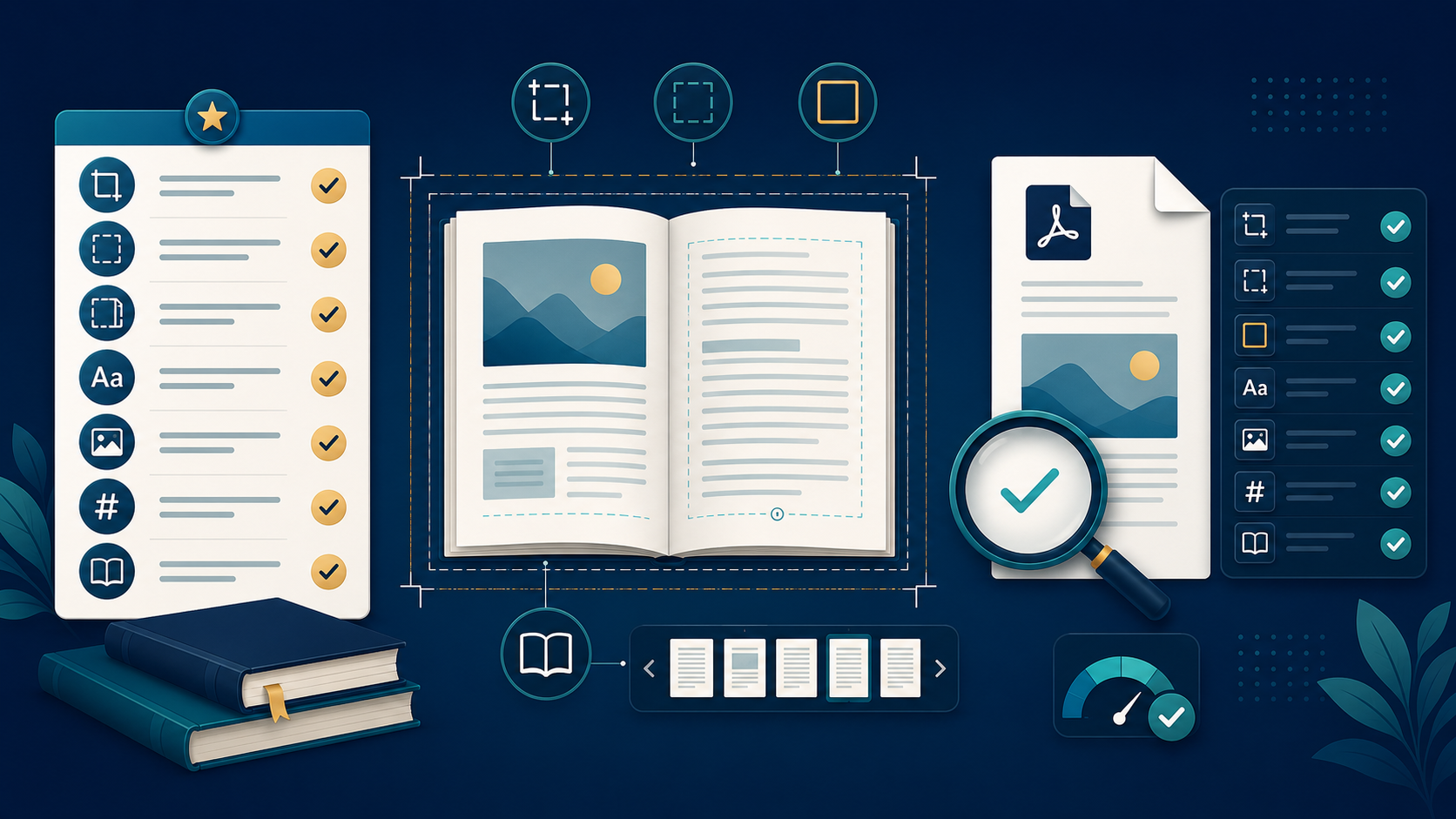
A Simple KDP Book-Creation Checklist
Before considering your project complete, confirm that you have:
- identified a specific reader;
- defined a clear promise;
- researched the market and relevant search terms;
- finalized the title and subtitle;
- planned the entire book structure;
- reviewed and edited the manuscript;
- selected the correct trim size;
- prepared margins, gutter and bleed;
- finalized the interior before sizing the cover;
- checked image and font quality;
- audited the exported PDF;
- reviewed the files in the KDP previewer;
- verified the book description, categories and keywords.
KDP recommends using accurate categories that genuinely describe the book. Its metadata guidance also advises publishers to select relevant search phrases rather than unrelated or misleading terms.
Build Your Next Book with a Clearer Workflow
Successful publishing rarely comes from one isolated tool or one clever prompt. It comes from making a sequence of good decisions—from selecting the idea to approving the final file.
KCanvas brings research, book planning, content generation, puzzle creation and PDF checking into one KDP-focused workspace. Instead of moving between disconnected documents and tools, you can develop the project through a more organized workflow.
Start with the stage where your current project is weakest. Research the idea, strengthen the title, build the table of contents, prepare the content or audit the finished PDF before upload.
The result should not merely be a completed manuscript. It should be a focused, useful and professionally prepared book.